
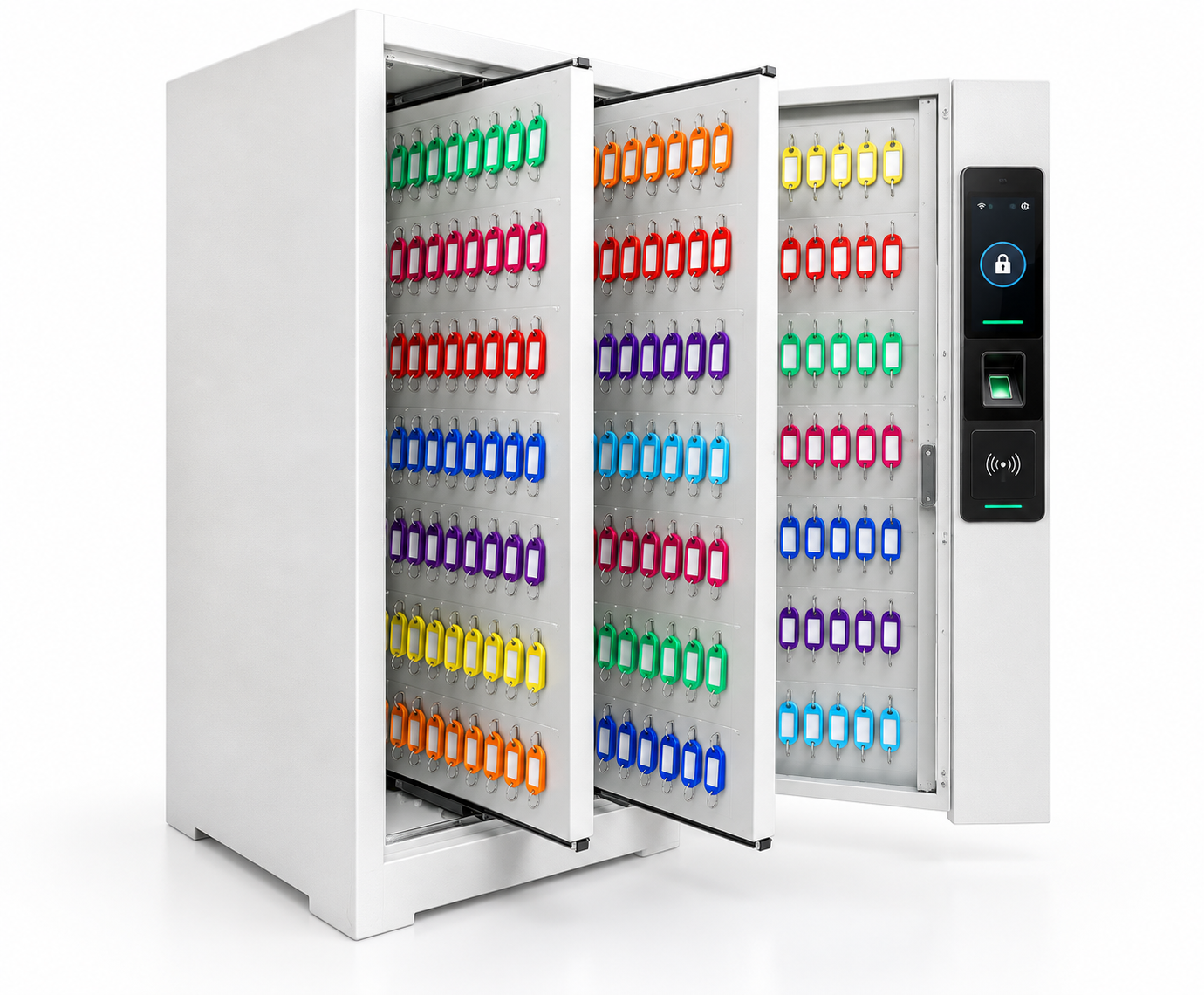
Multi-key cabinet
One managed cabinet can hold many keys or key sets behind controlled access. This fits property offices, maintenance teams and fleets that need fast grouped key access with records.
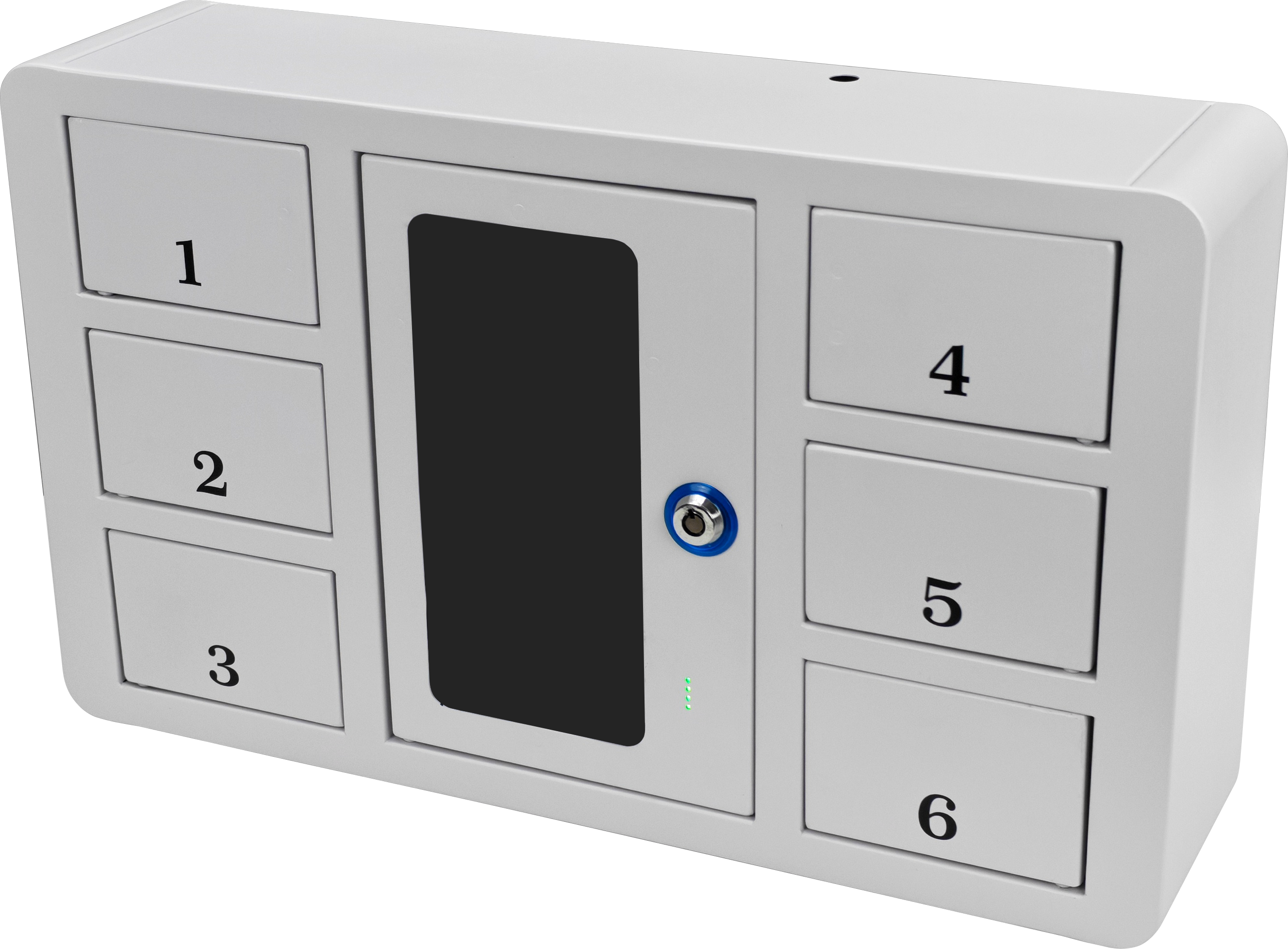
Solution
Two key control workflows: multi-key cabinets for grouped key sets and one-key-one-door lockers for stricter individual accountability.
Direct answer
For affordable key management cabinets for facilities, a shared multi-key enclosure can control many keys at a lower cost per key. Dedicated one-key-one-door compartments add separation where the access policy requires it.
Two cabinet styles
One managed cabinet can hold many keys or key sets behind controlled access. This fits property offices, maintenance teams and fleets that need fast grouped key access with records.
Each key or key set has its own numbered compartment. This fits stricter accountability where the system should show exactly which key was accessed.
Operational challenges
A shared sign-out sheet cannot reliably show which person has a key or whether it was returned.
Grouping many tagged keys behind one controlled door keeps the number of compartments and cost per key lower.
Dedicated doors are useful for high-value keys when each handoff needs a more specific access record.
Recommended approach
FAQ
Two key control workflows: multi-key cabinets for grouped key sets and one-key-one-door lockers for stricter individual accountability.
Yes. Locker counts, compartment sizes, access methods, user groups and workflows can be configured around the site.
A multi-key cabinet can lower the cost per key by placing multiple keys behind one controlled door. A one-key-one-door layout adds compartments where stricter individual accountability is needed. The right mix depends on key count and access policy.
Send the site type, location, approximate user count and current workflow problem through the request quote form.